
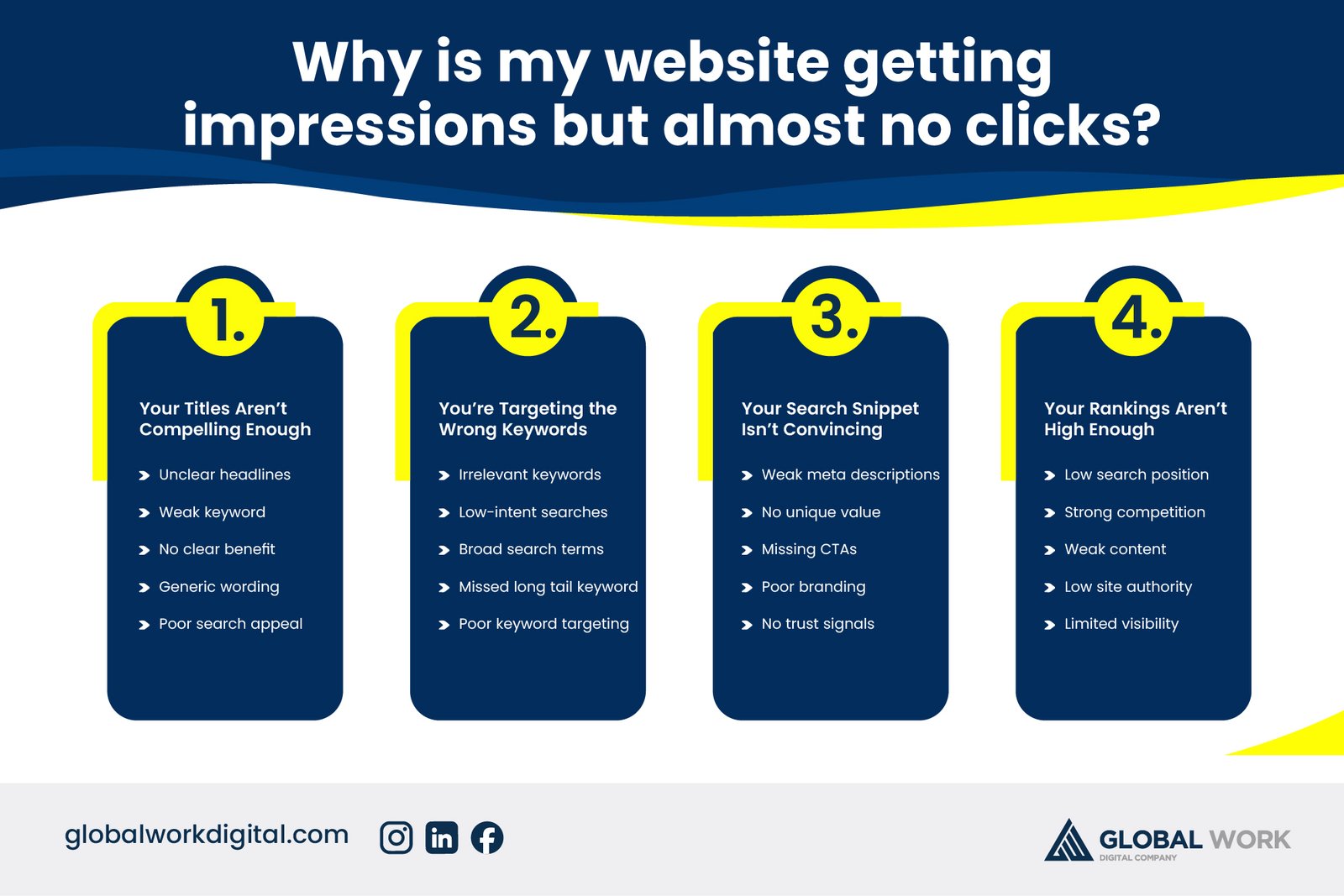
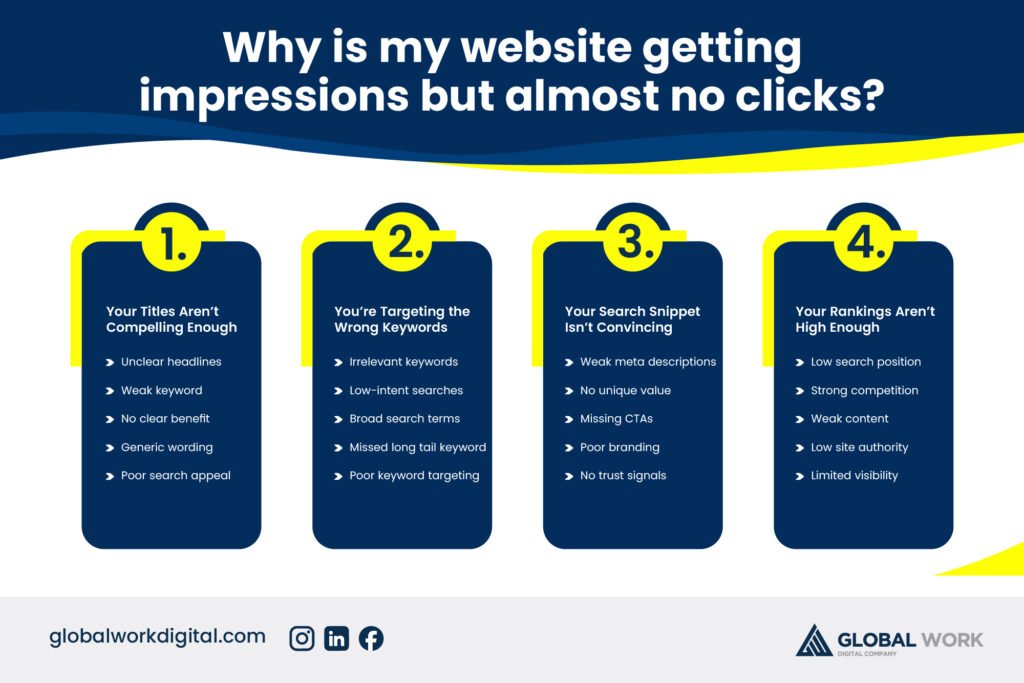
Seeing impressions climb in Google Search Console while clicks stay flat is one of the most frustrating SEO problems, because it means your page is actually showing up — search engines already trust it enough to display it — but something on the results page is stopping people from clicking through. This is almost always a click-through rate (CTR) problem, not a ranking problem, and it usually comes down to how your listing looks compared to everything else on the page.
This guide breaks down exactly why this happens, the most common causes behind a low CTR despite strong impressions, and a clear process for fixing it. By the end, you’ll know how to diagnose the gap in Search Console and make the specific changes that turn impressions into actual visits.
Understanding the Impressions-to-Clicks Gap
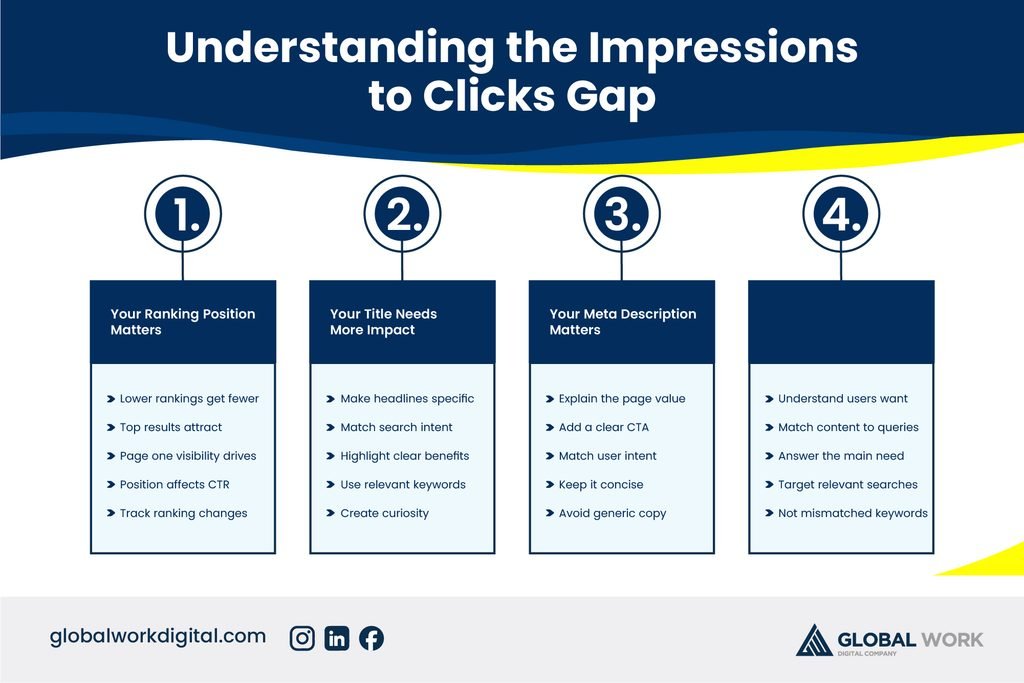
What Impressions and CTR Actually Measure
An impression counts every time your page appears in search results, whether or not anyone scrolls far enough to see it or clicks it. Click-through rate is simply the percentage of those impressions that turn into an actual click. A page can rank on page one and still generate very few clicks if it appears low on the page, or if its listing simply isn’t compelling enough compared to the results around it.
Why This Is a CTR Problem, Not a Ranking Problem
It’s easy to assume more impressions should automatically mean more traffic, but ranking and appeal are two separate things. Google decides whether to show your page based on relevance, but the searcher decides whether to click based on what they actually see — the title, the description, and any extra visual elements. Fixing this gap means improving that visible listing, not necessarily chasing a higher ranking position first.
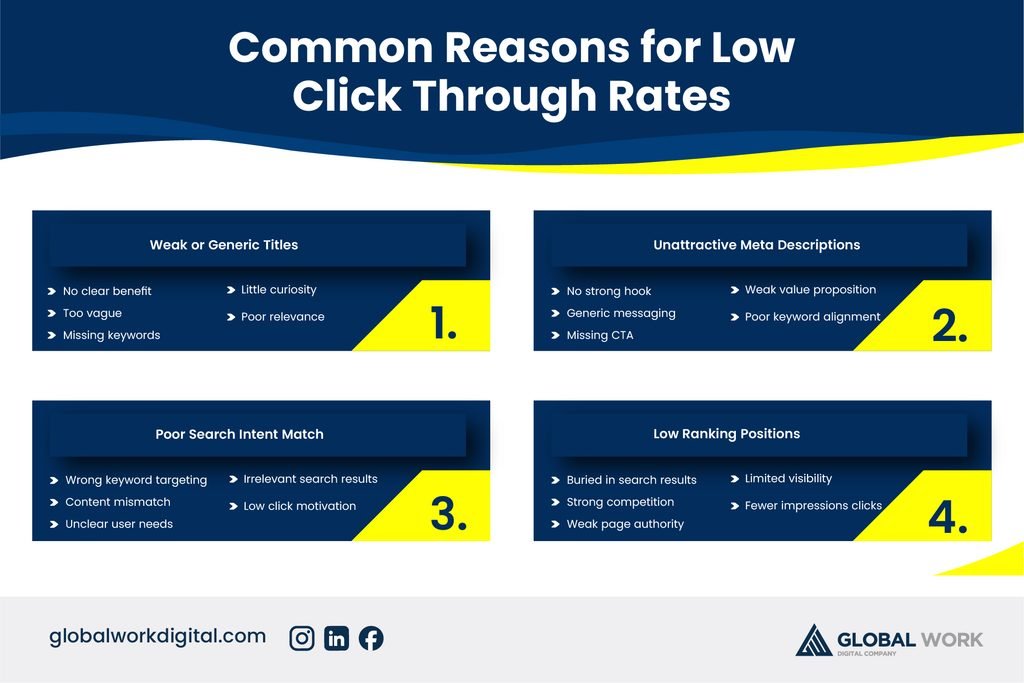
Common Reasons for Low Click-Through Rates
Weak or Generic Meta Titles
A meta title that’s vague, truncated, or indistinguishable from competitors gives searchers no real reason to choose your result over another. Titles that clearly state the benefit, include the target keyword naturally, and stay within the roughly 55-60 character display limit tend to earn noticeably more clicks than generic, keyword-stuffed, or overly long titles that get cut off in results.
Unappealing or Missing Meta Descriptions
When a meta description is missing, Google often pulls a random snippet of text from the page instead, which rarely reads as compelling or relevant. A well-written meta description acts like ad copy — summarizing the page’s value clearly and giving the searcher a specific reason to click, rather than leaving that job to an automatically generated snippet. If you haven’t reviewed your meta tags recently, our on-page SEO guide covers exactly how to write titles and descriptions that convert impressions into clicks.
Low Ranking Position on the Page
Even a well-written listing gets far fewer clicks if it sits near the bottom of page one or on page two, since the majority of clicks concentrate on the first few results. In this case, the underlying issue isn’t the listing itself but the ranking position, which points back to broader on-page and off-page SEO work rather than a quick meta tag fix.
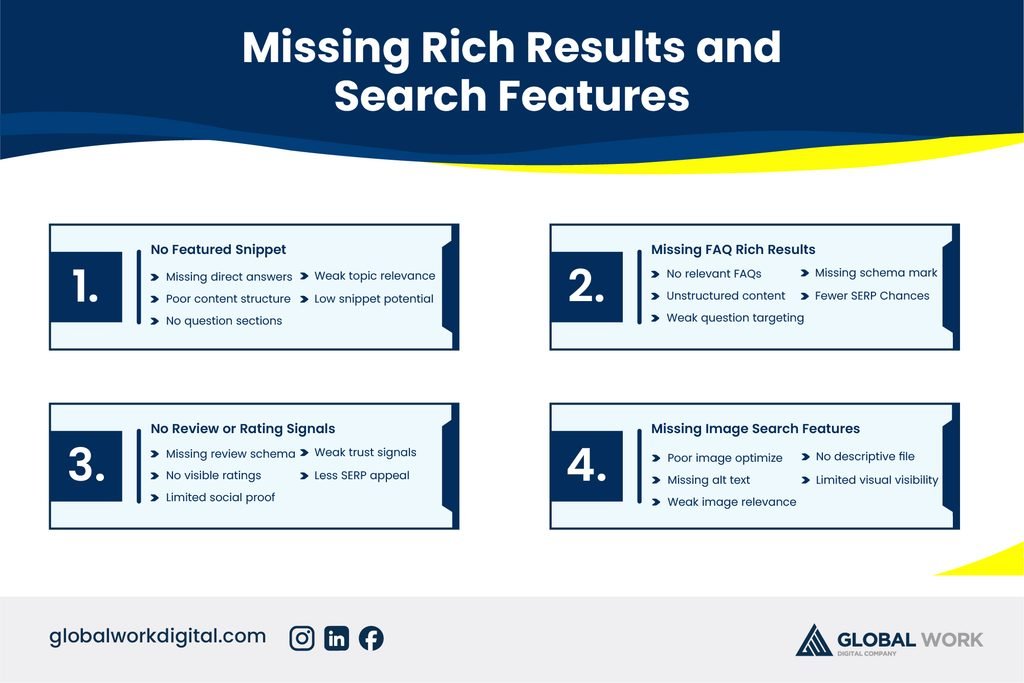
Missing Rich Results and Search Features
The Role of Structured Data
Rich results — star ratings, FAQ dropdowns, pricing, or breadcrumb trails — make a listing visually stand out and consistently improve CTR compared to a plain blue link and description. These enhanced results are unlocked through structured data (schema markup), which tells Google exactly what type of content is on the page and what additional details it can safely display.
Featured Snippets and “People Also Ask”
If competitors are winning featured snippets or appearing in “People Also Ask” boxes for your target keyword, they’re capturing attention and clicks before searchers even reach your listing further down the page. Structuring content with clear, direct answers near the top of a page, along with well-organized headings, improves your chances of winning these high-visibility placements yourself.
- Add relevant schema markup such as FAQ, Article, or Review where applicable
- Test structured data using Google’s Rich Results Test before publishing
- Format a clear, concise answer near the top of the page to target snippets
- Use descriptive subheadings that mirror common searcher questions
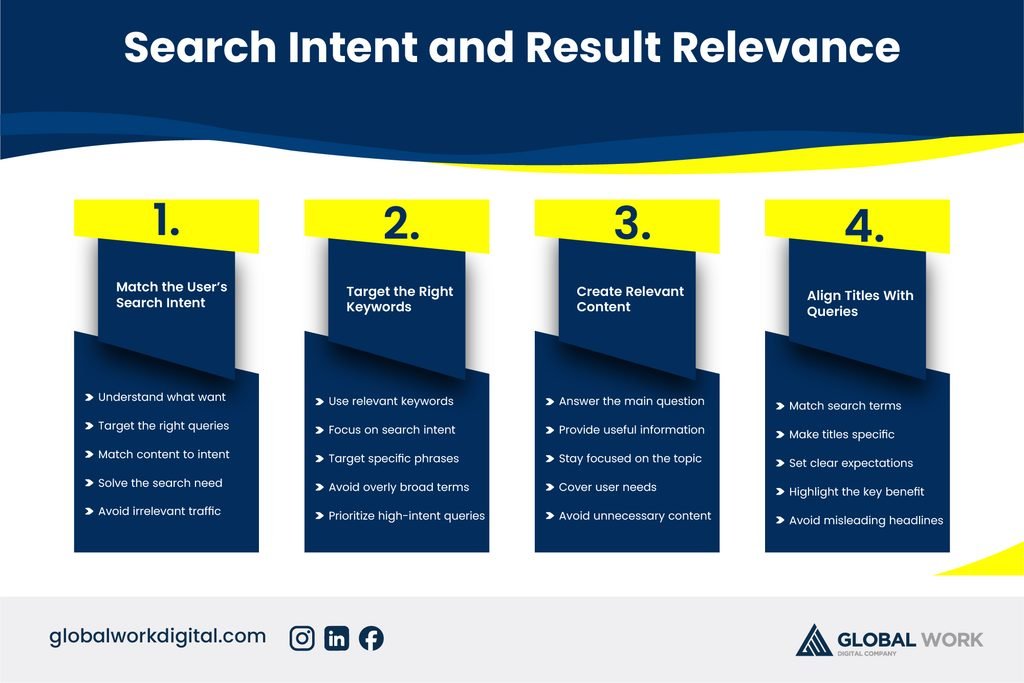
Search Intent and Result Relevance
When Your Listing Doesn’t Match What Searchers Expect
If your page ranks for a keyword but doesn’t match the intent behind it — for example, a product page ranking for an informational query — searchers will often skip past it even if the title looks reasonable, because the listing doesn’t seem to answer what they’re actually looking for. Reviewing what type of content currently earns clicks for your target keyword helps reveal whether a mismatch like this is quietly suppressing your CTR.
Branding and Trust Signals in the Listing
Searchers are also more likely to click results from sources they recognize or trust, which is why established brands often out-click newer or unfamiliar sites even at the same ranking position. Building consistent branding, favicon visibility, and a track record of reliable content over time gradually closes this trust gap, alongside the more immediate fixes to titles and descriptions.
How to Diagnose and Fix Low CTR Step by Step
Start in Google Search Console’s Performance report, filtering by pages or queries with high impressions but low CTR, and sort by impression volume to prioritize the pages with the biggest potential upside first. Rewrite the meta title and description for those pages with a clearer benefit and stronger call to action, then monitor CTR over the following few weeks to see whether the change moves the needle before adjusting further. Businesses managing this across dozens of pages often bring in a dedicated SEO service to handle this kind of ongoing optimization systematically rather than fixing pages one at a time as problems are noticed.
Frequently Asked Questions
Why does my page get impressions but rank on page two or lower?
Pages ranking beyond the first page still generate impressions but receive far fewer clicks, since most searchers don’t scroll past the first set of results. This typically points to a broader ranking issue rather than a listing problem, and improving on-page content depth and backlinks is usually the more effective fix.
Why is my CTR lower than the average for my ranking position?
Google Search Console shows your CTR for each query, which you can compare against typical benchmarks for that position. A CTR noticeably below average at a good ranking position almost always points to a weak title or description rather than a ranking problem, since the position itself is already earning visibility.
Why did my CTR drop after I updated my meta title?
A sudden CTR drop after a title change usually means the new title is less specific, less compelling, or no longer matches what searchers expect from the page. Reverting to the previous title or testing a new variation that keeps the clear benefit while adjusting for length is the fastest way to recover.
Why do competitors with lower rankings get more clicks than my page?
This is common when a competitor’s listing includes rich results like star ratings or FAQ dropdowns, or simply has a more compelling, benefit-driven title and description. Reviewing exactly how their listing appears in search results often reveals the specific visual or messaging advantage worth adapting for your own page.
Why does my homepage get impressions but almost no clicks compared to blog pages?
Homepages often rank for broad brand or category terms where searchers already have several similar options to choose from, making a clear, specific value proposition in the title and description especially important. Blog pages, by contrast, often target more specific queries where a well-matched listing naturally stands out more easily.
Why is my CTR low even though my meta title and description look good?
If the listing itself looks strong, the issue may be search intent mismatch, a lack of rich results compared to competitors, or simply a very competitive search results page filled with ads, featured snippets, and other elements pushing organic listings further down. Checking how the actual results page looks for your target keyword often reveals context that isn’t obvious from the listing alone.