
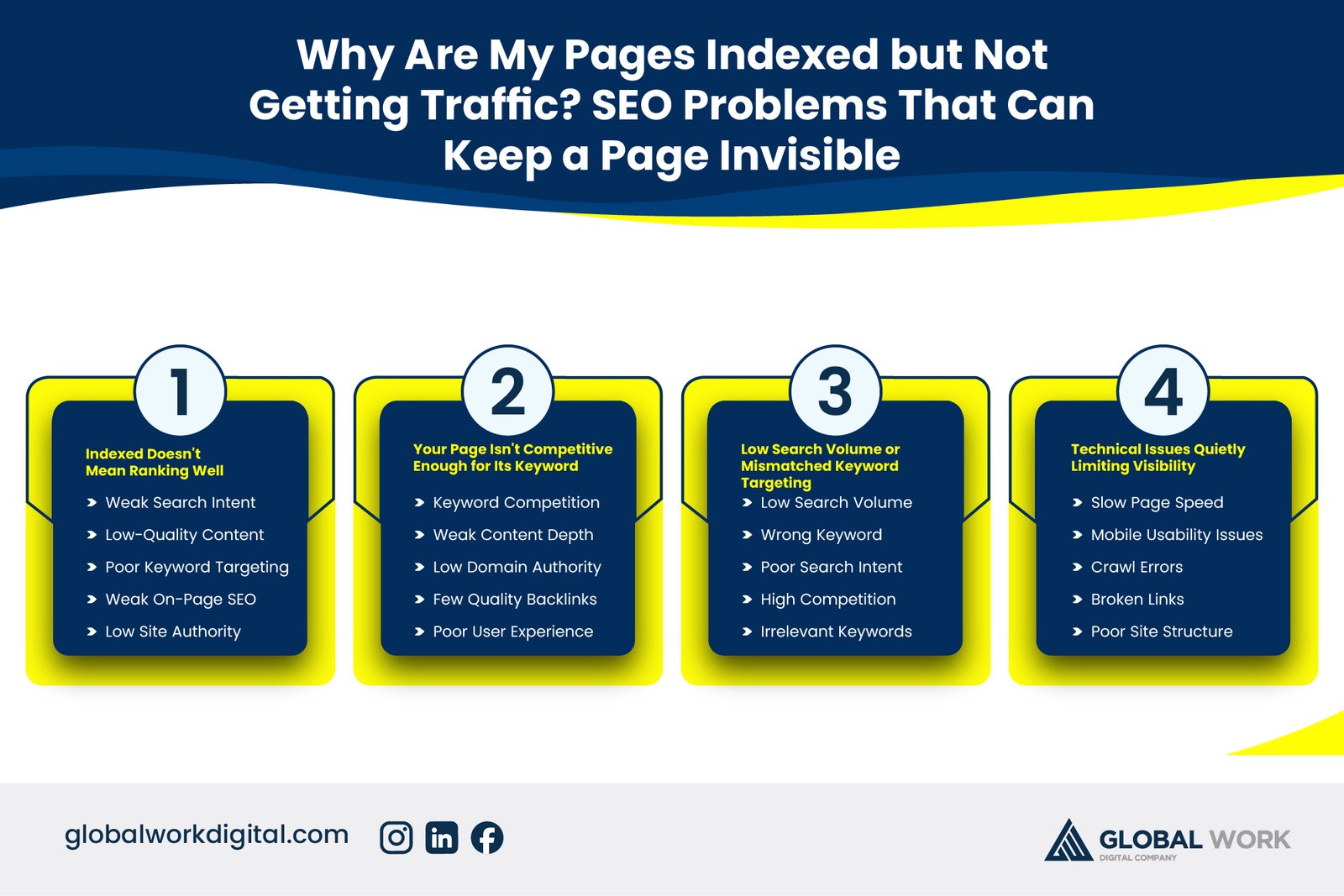
Checking Google Search Console and seeing your pages marked as “indexed” feels like a win — until weeks pass and the traffic never arrives. This disconnect confuses a lot of website owners, because being indexed is usually treated as the finish line, when it’s really just the starting point. Indexing only means Google knows your page exists; it says nothing about whether that page is actually ranking well enough, or for the right queries, to attract real visitors.
This guide explains exactly why indexed pages can still stay invisible in practice, the most common reasons behind it, and how to diagnose which one applies to your specific pages. By the end, you’ll understand the real gap between being indexed and being found, and what to fix to close it.
Indexed Doesn’t Mean Ranking Well
What Indexing Actually Confirms
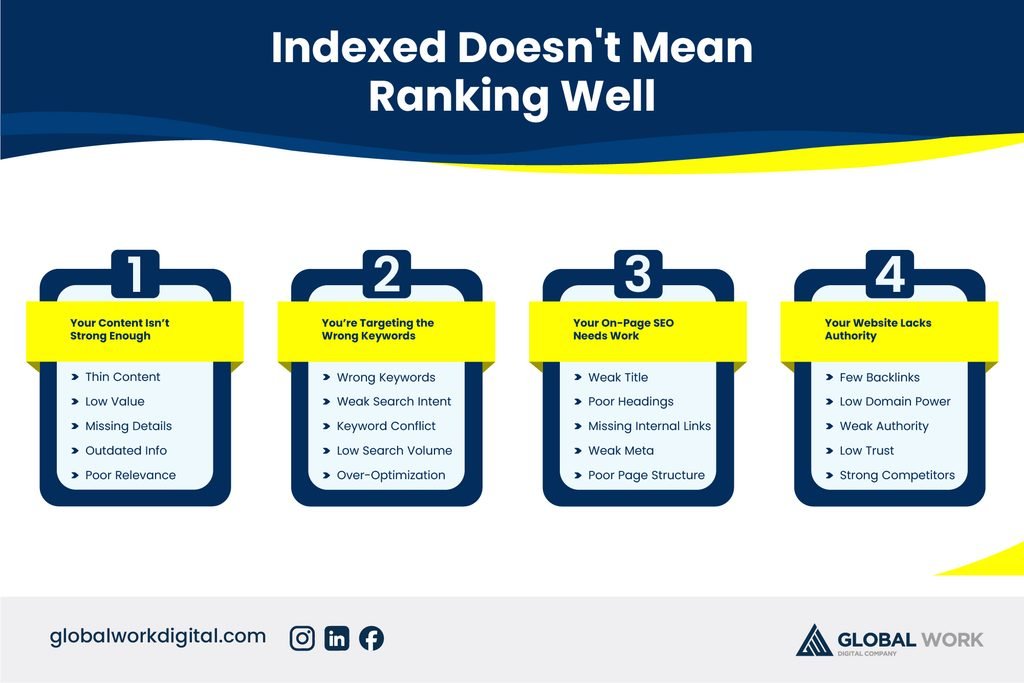
Indexing simply means Google has crawled your page and added it to its database of searchable content — nothing more. It doesn’t guarantee a specific ranking position, visibility for any particular keyword, or any traffic at all. A page can be indexed and still sit on page five of the search results, which for most practical purposes is just as invisible as not being indexed in the first place.
Where Most of the Confusion Comes From
Many website owners treat “indexed” as a success metric because tools often present it that way, flagging it as a status rather than a starting condition. In reality, indexing is simply a prerequisite for ranking, not a sign that ranking has happened. Understanding this distinction is the first step toward diagnosing the real problem instead of assuming everything is working because the index status looks fine.
Your Page Isn’t Competitive Enough for Its Keyword
Ranking Too Low to Be Seen
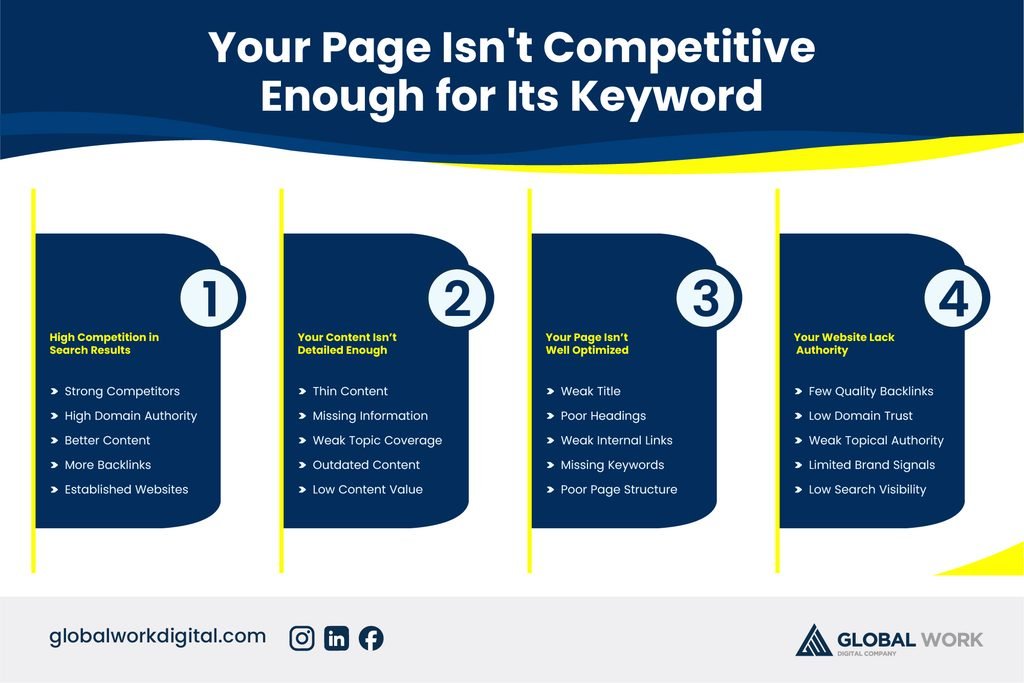
If your page is indexed but ranks on page two or beyond for its target keyword, it’s technically visible to Google but invisible to the vast majority of searchers, who rarely scroll past the first page of results. Checking your actual ranking position in Search Console’s Performance report, filtered by your target query, quickly reveals whether this is the underlying issue.
Insufficient Content Depth or Authority
Pages often rank too low simply because they don’t yet have the content depth, keyword relevance, or backlink authority needed to compete with pages that have been established longer or built out more thoroughly. Comparing your page against what currently ranks in the top results for the same keyword usually reveals the specific gap — whether it’s content length, missing subtopics, or a weaker backlink profile.
- Check your exact ranking position for the target keyword in Search Console
- Compare your content depth against the current top-ranking pages
- Review whether competing pages have significantly more backlinks
- Identify missing subtopics your page doesn’t currently cover
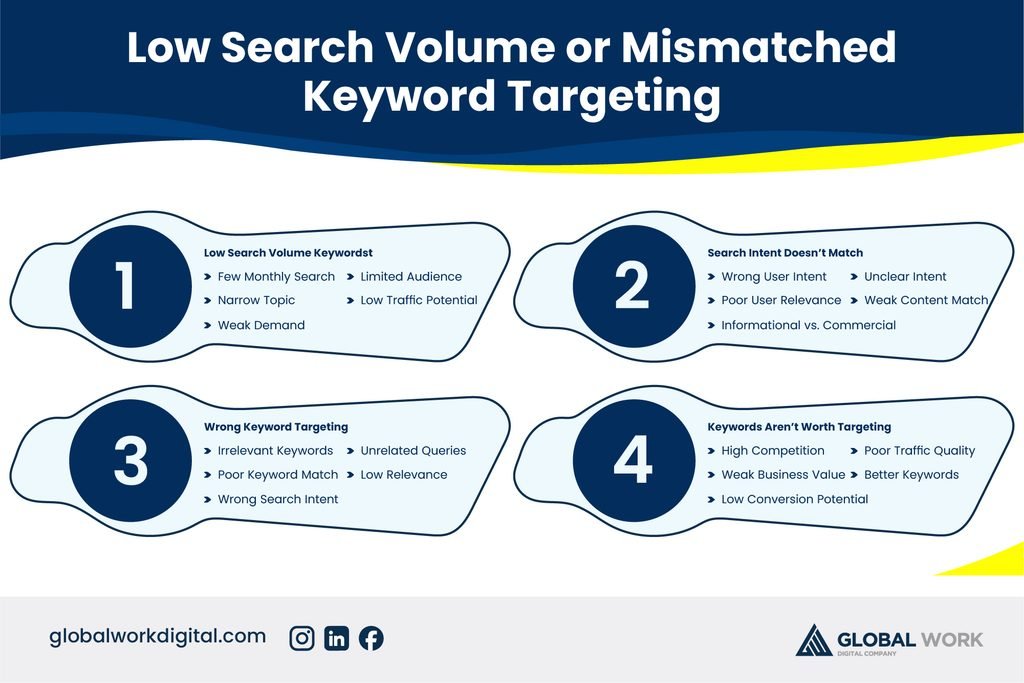
Low Search Volume or Mismatched Keyword Targeting
Targeting a Keyword Almost No One Searches
Sometimes a page ranks reasonably well but still gets little traffic simply because the target keyword has very low search volume to begin with. No amount of ranking improvement will generate meaningful traffic from a keyword almost nobody is searching for, which makes keyword research — not just optimization — a critical part of diagnosing this issue.
Search Intent Mismatch Reducing Clicks
A page can also rank for a keyword while failing to match what searchers actually expect to find, which suppresses click-through rate even at a reasonable position. If your listing’s title and description don’t clearly reflect the searcher’s real intent, people will often skip past it in favor of a result that looks more directly relevant. Our guide on why websites get impressions but no clicks covers this specific scenario in more depth.
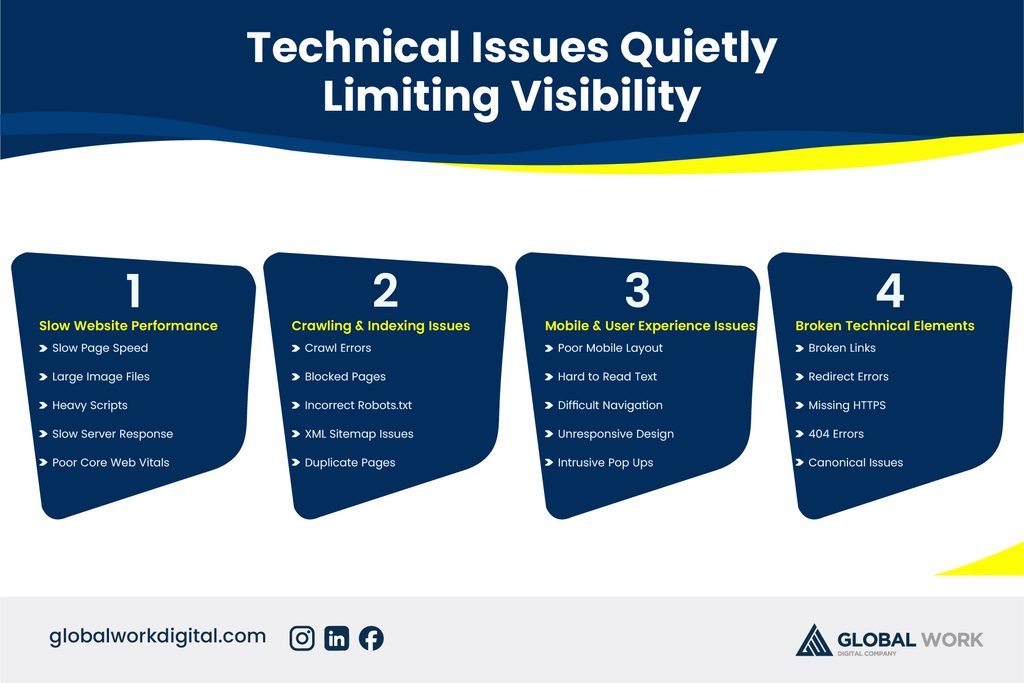
Technical Issues Quietly Limiting Visibility
Canonical Tags Pointing Elsewhere
A page can be indexed yet still have a canonical tag pointing to a different URL, which tells Google to treat another page as the authoritative version for ranking purposes. This often happens accidentally through CMS defaults or templated canonical settings, effectively making the indexed page invisible in rankings despite technically existing in Google’s index.
Weak Internal Linking Signals
Pages with very few or no internal links pointing to them often struggle to rank, even when indexed, because internal links help search engines understand a page’s relative importance within your site. A page buried deep in your site structure with minimal internal linking sends a weak relevance signal, regardless of how well-written its content is. Our on-page SEO guide covers how to structure internal links so important pages get the visibility they need.
Diagnosing and Fixing Invisible Pages
Start by confirming your actual ranking position and impressions in Search Console, then compare that against the search volume and intent behind your target keyword to rule out a fundamental mismatch. From there, check for technical issues like canonical tags or thin internal linking, and finally assess whether your content genuinely competes with what’s currently ranking in terms of depth and authority. Businesses managing this diagnostic process across many pages often rely on a dedicated SEO service to track and resolve these gaps systematically rather than page by page as problems are noticed.
Frequently Asked Questions
Why does Search Console show my page as indexed if it’s not getting any clicks?
Indexed simply means Google has crawled and stored the page — it says nothing about ranking position or traffic. A page can be fully indexed and still receive zero clicks if it ranks too low, targets a low-volume keyword, or doesn’t match search intent clearly enough to earn clicks.
How do I check what keyword position my indexed page is actually ranking at?
Open Search Console’s Performance report, filter by the specific page URL, and review the average position shown for each query it receives impressions for. This reveals whether the page is ranking competitively or sitting too far down the results to attract meaningful traffic.
Can a canonical tag make an indexed page invisible in search results?
Yes — if a canonical tag points to a different URL, Google treats that other page as the authoritative version for ranking, even though your original page remains indexed. Checking the canonical tag in your page’s source code, or using Search Console’s URL Inspection tool, confirms whether this is happening.
Why does my page get indexed quickly but take months to start ranking?
Indexing can happen within days, but ranking well enough to generate traffic often takes longer, since it depends on accumulated trust signals like backlinks, internal links, and user engagement that build up gradually over time rather than instantly after indexing.
Is it possible my keyword just doesn’t get enough searches to generate traffic?
Yes, and this is more common than most people expect. Checking the keyword’s search volume using a keyword research tool confirms whether low traffic is a ranking problem or simply a reflection of limited search demand for that specific term.
Why does one of my pages get traffic while a very similar page stays invisible?
This usually comes down to differences in internal linking, content depth, or backlinks between the two pages, even if their topics look similar on the surface. Comparing both pages side by side against these factors typically reveals why one is favored over the other.